3DWireframer for MakerWorld sellers
Cover and gallery images for MakerWorld models
On MakerWorld your cover image is the entire pitch. Stand out in the feed with crisp wireframe and angle renders that show detail and print-readiness at a glance.
Make my MakerWorld images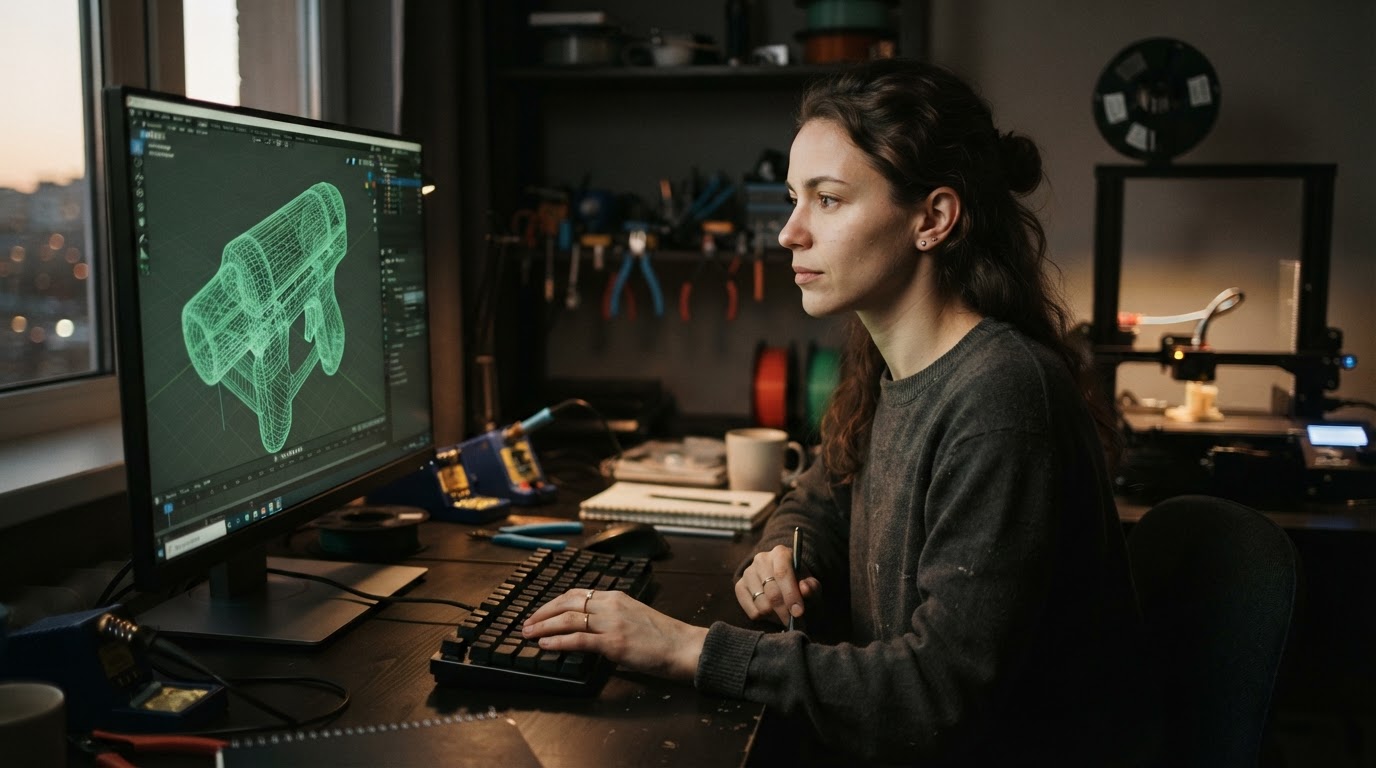
Win the feed with a better cover image
MakerWorld is a high-traffic, print-first community: makers scroll thumbnails and stop on whatever looks clearest and most detailed. Views lead to downloads, prints and followers — and all of it starts with the cover image.
A wireframe render is instantly distinctive next to standard shaded previews, and it communicates something a beauty shot cannot: the mesh is clean, detailed and built with care.
What to put in your gallery
- Cover: a bold, high-contrast angle with clear silhouette — it shrinks to a small thumbnail
- Wireframe view: shows topology and detail level
- Multi-angle set: front, side, top and three-quarter so makers understand the geometry
- Print photos: real prints (and different filaments) prove it works
- Part breakdown: for multi-part models, one image per part or assembly stage
From your slicer to a finished image set
3DWireframer reads STL, OBJ and BLEND files. If your model lives in 3MF or a CAD format, export it as STL or OBJ first, drop it into the generator and pick your angles. Reuse your colours on every model so your profile has a consistent look.
Selling on other platforms too? The same image set works on MyMiniFactory, Cults3D and Etsy.
Get listing-ready images for MakerWorld in 3 steps
- Drop in your modelUpload an STL, OBJ or BLEND file. Everything is processed in your browser — your geometry never leaves your machine.
- Pick your anglesChoose front, three-quarter, side, top and detail views, then set wireframe and background colours to match your shop branding.
- Export and list on MakerWorldDownload the PNG set and add it to your MakerWorld listing gallery, next to your beauty renders.
Frequently asked questions
Can I use these images as my MakerWorld cover?
Yes. Export any angle as a PNG and upload it as your model cover or as part of the gallery. Pick a bold angle with clear silhouette so it reads at small thumbnail size.
Does 3DWireframer support 3MF files?
The generator works with STL, OBJ and BLEND files. Export your 3MF or CAD model as STL or OBJ from your slicer or modelling tool, then upload it.
Do my files get uploaded?
No. Everything runs locally in your browser, so unreleased models never leave your computer.
Is it free?
You can generate watermarked images free with no signup. Pro starts at just $4/month for watermark-free exports, batches and cloud history.
Better listing images = more sales. Try it on your own file — no signup required.
Free to start · Pro is $4/mo — a single extra sale can cover it
Make my MakerWorld imagesAlso made for sellers on




Marketplace names and logos are trademarks of their respective owners. 3DWireframer is an independent tool and is not affiliated with or endorsed by these marketplaces.