3DWireframer for MyMiniFactory sellers
Wireframe images for your MyMiniFactory listings
Miniature and tabletop buyers judge detail before they click download. Show clean topology and sculpt detail from every angle — in minutes, straight from your STL.
Make my MyMiniFactory images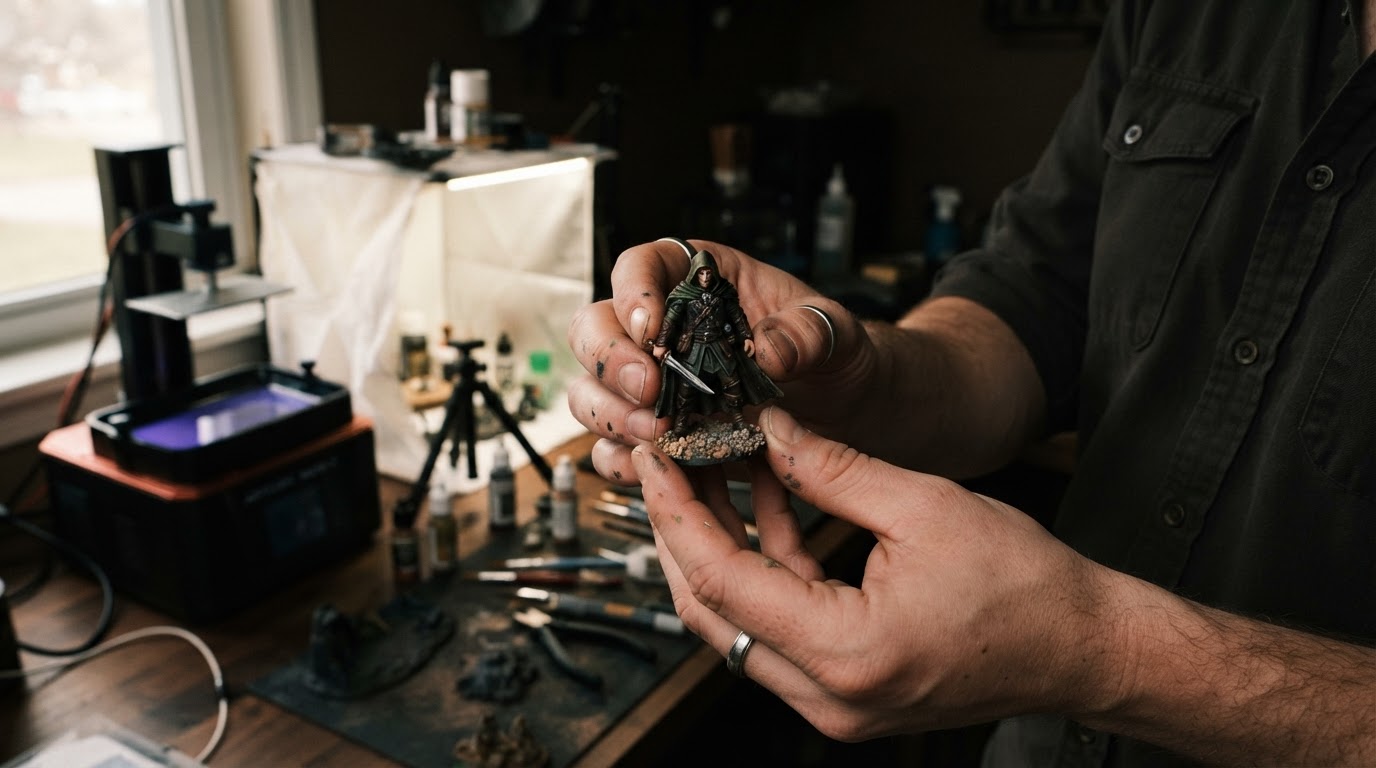
Why listing images matter on MyMiniFactory
MyMiniFactory buyers are hobbyists and print-farm operators comparing dozens of near-identical models. Your gallery is the only thing they can inspect before committing to a download or a Tribe subscription, so it has to answer two questions at a glance: is the sculpt detailed? and will it print cleanly?
A wireframe render answers both. Dense, even topology reads as care; visible detail at the mesh level reads as quality. Pair it with a shaded render and a painted photo and your listing looks like a studio release rather than a hobby upload.
A gallery layout that converts
- Hero: your best painted or shaded render — this is the thumbnail in browse and search
- Wireframe three-quarter view: proves mesh quality and detail level
- Front, side and back wireframes: shows the whole model, including support-sensitive undercuts
- Scale and pose variants: for multi-part kits and alternate poses, one consistent image per variant
- Printed photo: real prints build the most trust of all
Build a recognisable brand across your objects
Because 3DWireframer applies the same colours and framing to every model, your whole catalogue looks like one studio. That consistency helps returning buyers spot your work in browse, and gives your profile and Tribe page a professional, cohesive feel. Set your wireframe and background colours once and reuse them on every release.
Working in miniatures? See our guide to tabletop miniature STL previews, or read how the same images help on Cults3D and MakerWorld.
Get listing-ready images for MyMiniFactory in 3 steps
- Drop in your modelUpload an STL, OBJ or BLEND file. Everything is processed in your browser — your geometry never leaves your machine.
- Pick your anglesChoose front, three-quarter, side, top and detail views, then set wireframe and background colours to match your shop branding.
- Export and list on MyMiniFactoryDownload the PNG set and add it to your MyMiniFactory listing gallery, next to your beauty renders.
Frequently asked questions
Can I make MyMiniFactory images from an STL file?
Yes. Upload your STL (or OBJ/BLEND) to the generator, choose your angles and colours, and download a ready-to-upload PNG set. Processing happens in your browser, so your files stay private.
Do wireframe images help sell miniatures?
They show mesh quality and sculpt detail before purchase, which is what tabletop and printing buyers compare. Used alongside a shaded render and a photo of the printed model, they make a listing look more professional and trustworthy.
Is my model uploaded to your servers?
No. Generation runs locally in your browser with WebGL, so unreleased or paid-tier models are never uploaded.
Can I keep the same look for every release?
Yes. Save your colour presets and reuse them, so every object in your catalogue matches.
Better listing images = more sales. Try it on your own file — no signup required.
Free to start · Pro is $4/mo — a single extra sale can cover it
Make my MyMiniFactory imagesAlso made for sellers on




Marketplace names and logos are trademarks of their respective owners. 3DWireframer is an independent tool and is not affiliated with or endorsed by these marketplaces.